01 / SYLLABUS
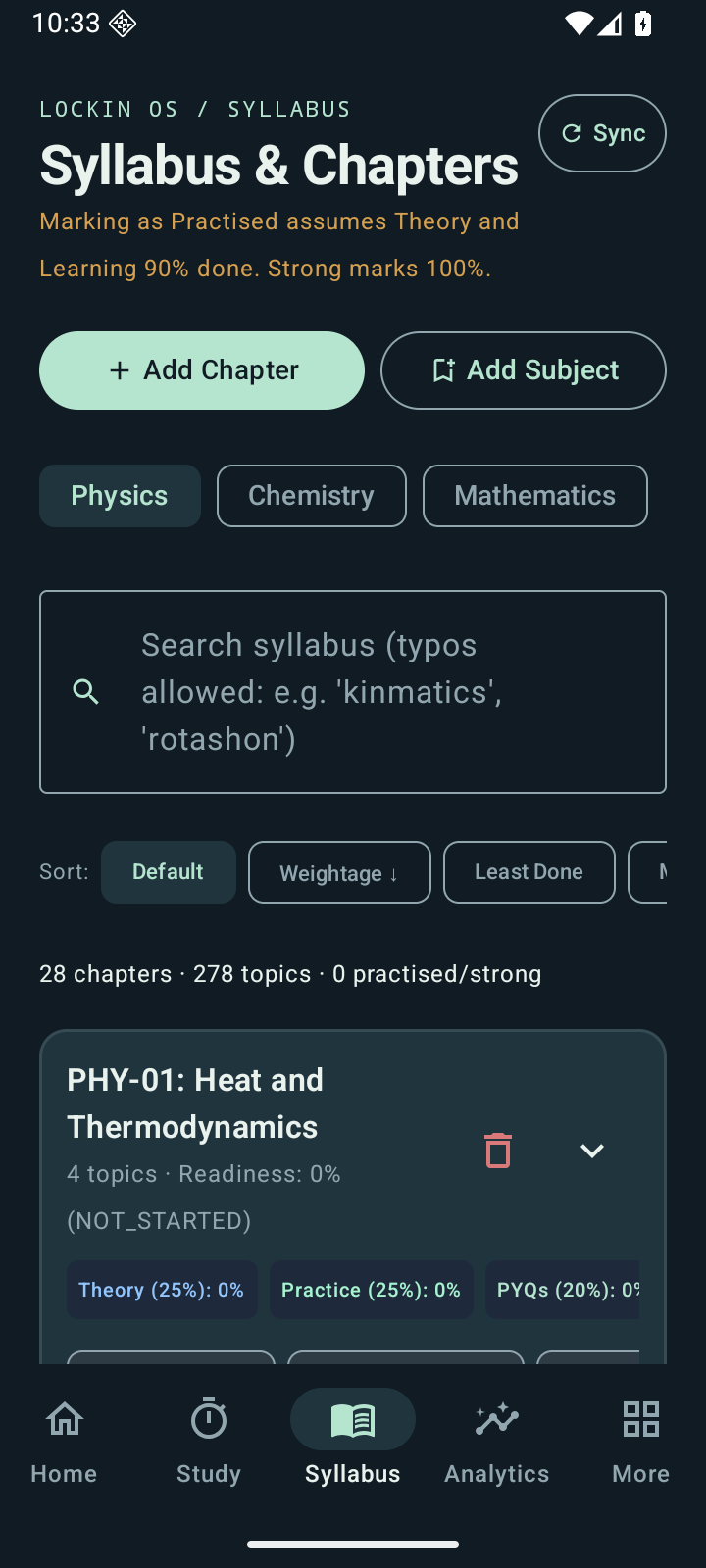
See the syllabus become progress.
Track chapters, mark what you've learned and keep your next revision in sight.
 LOCKINOSGet the Android beta
 A STUDY-FIRST ANDROID LAUNCHER
Less getting pulled away.
More getting through that next chapter.
Give your goals a home screen. Keep your study plan, focus sessions and app limits in one calm place.
Android 8.0+ · Beta release · Built with exam prep in mind
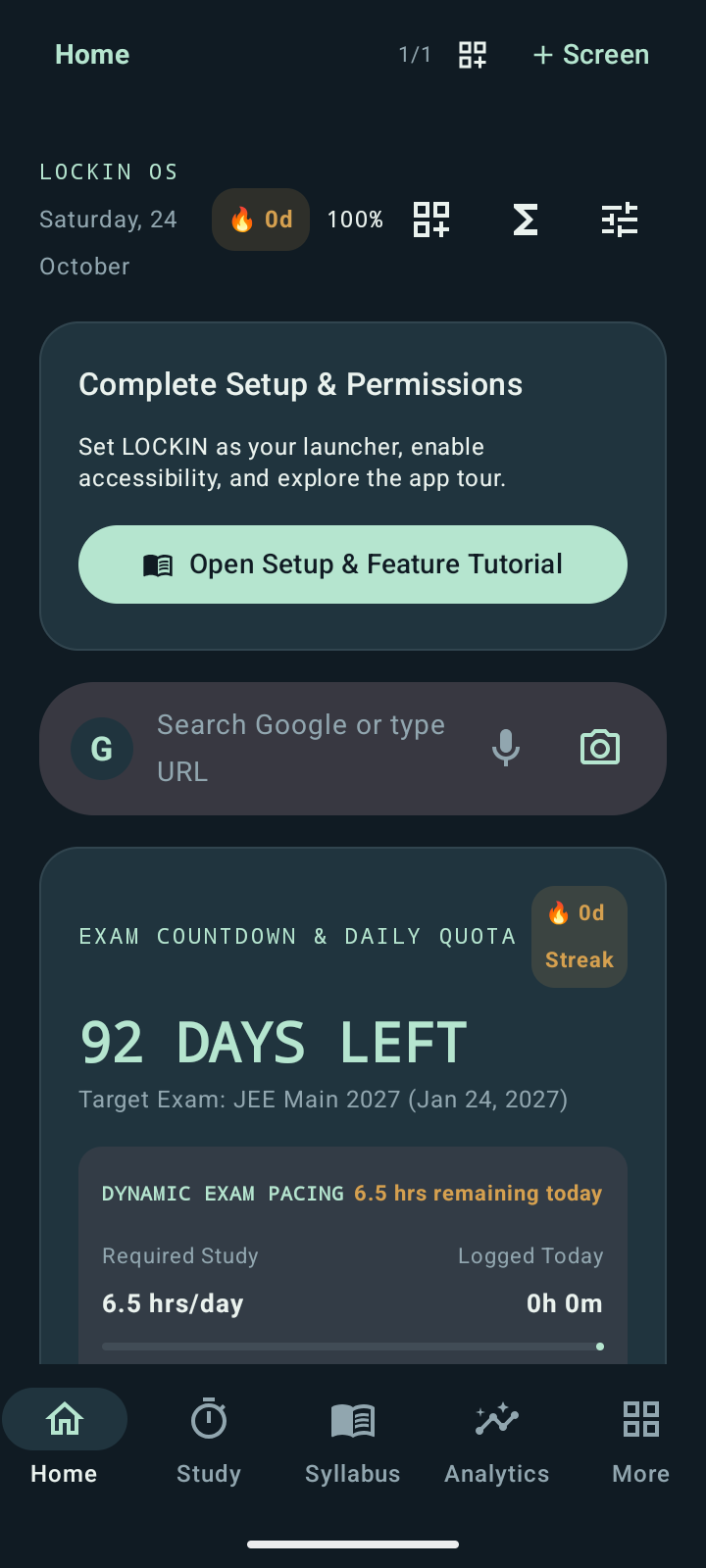
02 / EVERYTHING HAS ITS PLACE
A home screen that remembers
what you came here to do.
Inside the actual app. Captured from v3.4.44 on an Android emulator with a test profile. Tap any screen to view it full size.
Track chapters, mark what you've learned and keep your next revision in sight.
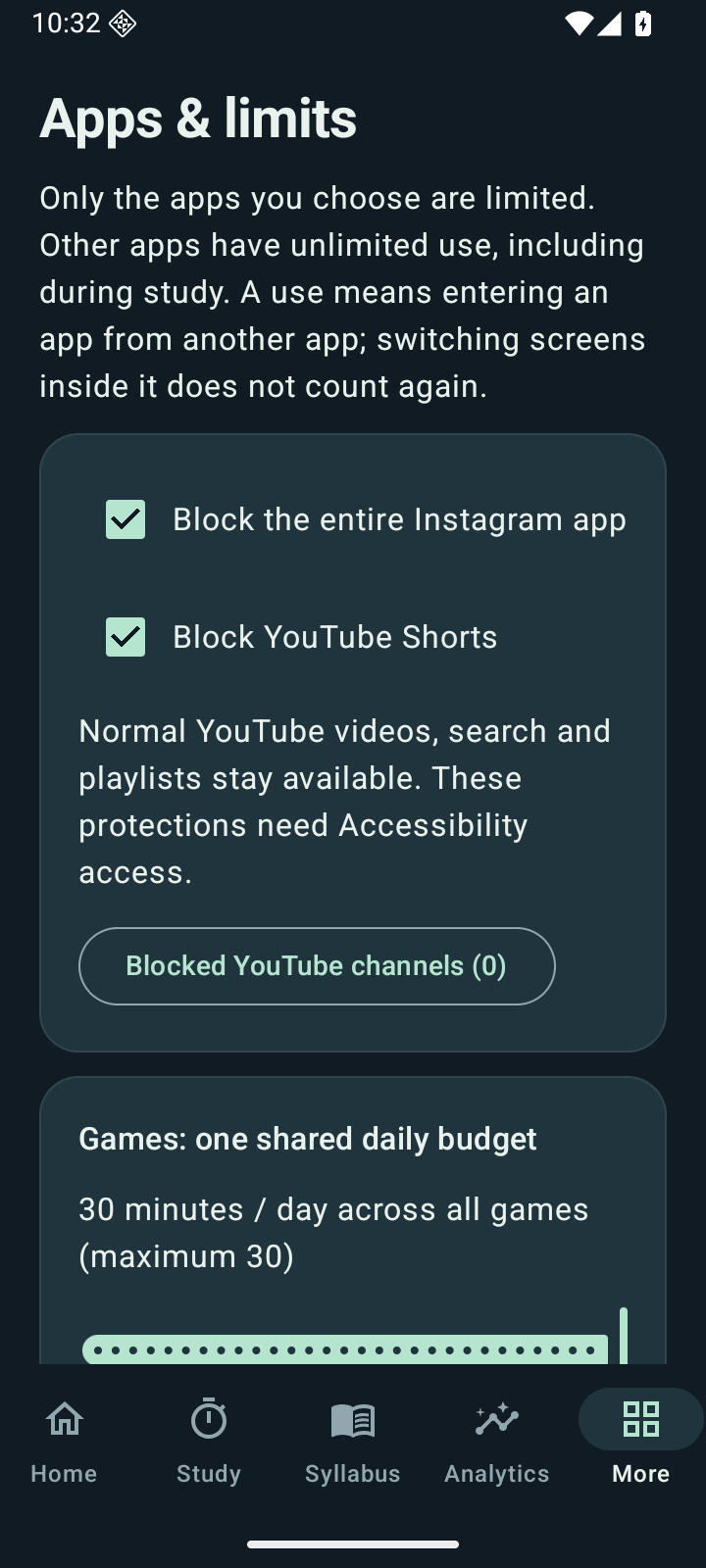
Choose app timers, weekly openings and a shared daily games budget. Ordinary YouTube videos remain available unless another rule applies.
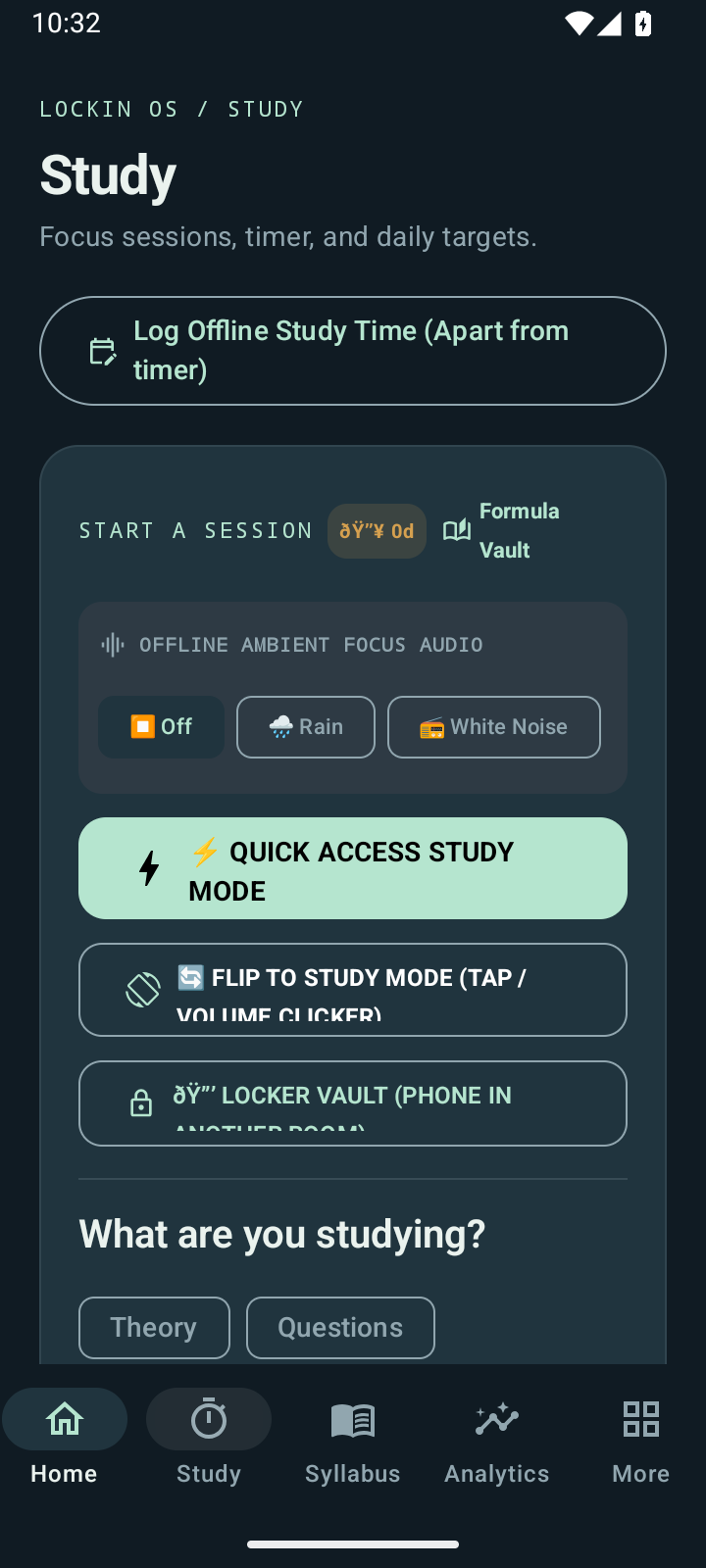
Choose theory or questions, use focus audio and keep your study tools close at hand.
03 / ONE THING AT A TIME
Theory or questions? Give the next block of time a purpose. In question mode, mark each question as you finish and see your average solving time.
Try this browser demo. It does not connect to your phone or save study records.
0 completed · Average: —
Start now. You don't have to feel ready.
04 / START SMALL
Set it up once.
Come back to what matters.
Add your exam date, choose your app limits and follow the guided tutorial.
Add tasks, pick a chapter, import the material you need and start a session.
Review daily progress, your syllabus and study sessions. Adjust your plan as you learn.
A FEW THINGS TO KNOW
LOCKIN OS is an Android launcher: it changes your home screen and adds study tools. It does not replace Android or require rooting your phone.
Yes. Apps you have not chosen to limit remain available, including during study. Core utilities such as supported phone and payment apps stay accessible. Games have a shared daily budget of up to 30 minutes.
Accessibility and Usage access help enforce app limits. You decide whether to grant them and can change permissions in Android settings. Protection depends on the service running and on your phone and app versions. Channel checks may request public video metadata from YouTube.
This page offers the Android beta APK. A Google Play release is being prepared; there is no live store listing or paid subscription here.
Local tasks, imported PDFs and study records are stored on your device. YouTube channel metadata checks need internet access. Export a local backup to keep a copy of your study data and app-limit settings.
YOUR NEXT CHAPTER
Start with a calmer home screen and one thing you want to finish.